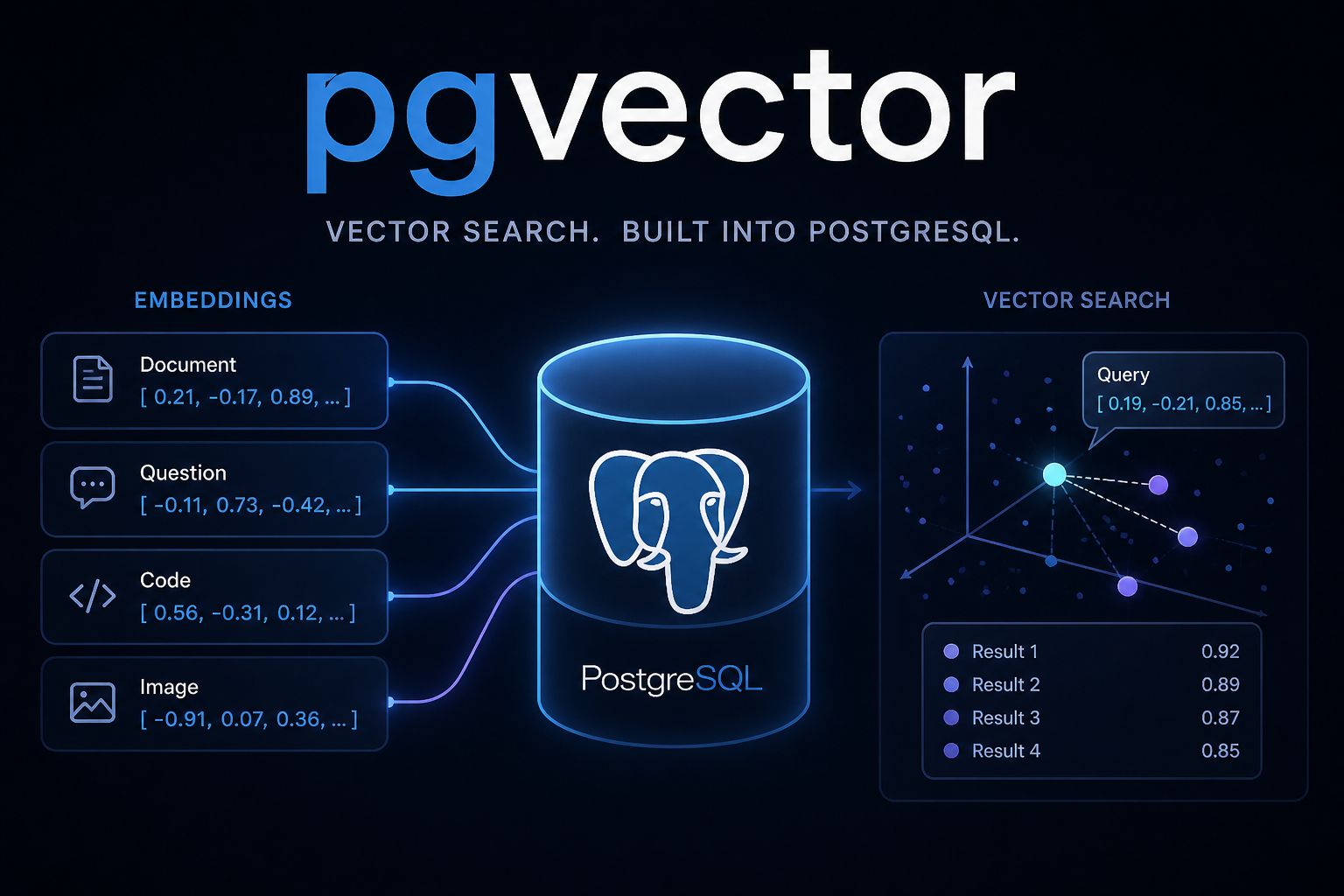
In 2023, back when PaLM was free, I started experimenting with pgvector. I had just started my PhD research into modeling career trajectories, and part of that work involved analyzing large collections of job advertisements. I needed a better way to store and search the information efficiently. At the time, it felt almost magical: free embeddings paired with a vector database on my own machine. I really do miss the days of PaLM, but we all knew they were coming to an end.
Since then, Retrieval Augmented Generation (RAG) has exploded. There are options for vector databases, embedding services, and orchestration services that can make building RAG systems simple. However, significant complexities still remain when it comes to optimizing such services, and the barrier to entry can still be high for your typical data scientist or someone just beginning their journey. Cost is another barrier. Many beginners worry about accidentally running up a large bill while experimenting to better understand what is happening.
In this post, I am going to describe how you can experiment with RAG architectures for free, or at minimal cost if you would like, without needing expensive cloud or on-prem servers. I will walk through:
- running pgvector with Docker
- ingesting raw data
- generating embeddings
- running queries
- a little math
Getting started
I will assume you have Docker installed on your machine. If not, follow these instructions.
Next, clone my repo. There are a few things going on in this repo, which will become clearer later. Right now, we will focus on the database directory and the setup.ipynb. You will need to follow the First time setup instructions in the README to make sure your environment is ready to run.
Running pgvector
When you follow the README instructions, you will start a pgvector Postgres container. Most managed Postgres services, e.g. AWS Postgres RDS, come with the pgvector extension installed, and you only need to enable it. You still need to enable the extension in your database, but when you first initialize the database in this repo, I do it for you.
Running ingest
I add several comments throughout setup.ipynb. As you go through the notebook, you will do the following:
- Create a table with a vector embedding field
- Ingest data from Russia-Ukraine War news articles and a chapter from an Army FM
- Create embeddings for the text and update the database
- Query the database using a question
- Use your LLM to answer the question using the retrieved documents from your database
There are a few considerations one must understand if you want to maximize response accuracy and minimize cost. Like in a classical optimization problem, there is no true optimal outcome; instead, it depends on your business objectives. This post is not focused on that aspect, but instead on the mechanics and levers available.
Things to Consider When Building a RAG Architecture
First, I would like to provide a little math so you understand what is happening. People with less of a math background, such as PMs, software engineers, or even some data scientists, might not understand what is happening when you are using or creating a RAG architecture. For this audience, I am going to lay out a few basic definitions.
What is a vector embedding
A vector embedding provides a numerical representation of data points, in this example the text in the documents. Most of us understand plotting a point on a graph. If I say, “Plot a point at (2,1),” you move along the x-axis 2 spots and up the y-axis 1 spot. Modern embeddings do the same thing, just in the hundreds or thousands of dimensions. Plotting an x,y point uses 2 dimensions, $\mathbb{R}^2$. We can see 2 dimensions, and a vector would be an “arrow” that starts at (0,0) and extends to (2,1). In this notebook I am using 1536 dimensions, $\mathbb{R}^{1536}$, which we cannot visualize. Higher-dimensional embeddings can capture more nuanced relationships in the data, but it comes at a cost. Most providers charge more for larger embeddings, storage costs will increase significantly, and retrieval times increase because the similarity calculations become more computationally expensive.
How you determine similarity between a query (question) and documents
I am not lying when I say you could do this by hand. All you need to know is multiplication, addition, and division. There are a few ways to find similar documents, and the most common is cosine similarity. The closer cosine similarity is to 1, the closer the two documents. To find the similarity between two documents $\mathcal{A}$ and $\mathcal{B}$, you just do:
$$\text{cosine similarity} = \cos(\theta) = \frac{\mathcal{A} \cdot \mathcal{B}}{|| \mathcal{A} ||\text{ }||\mathcal{B}||} $$
Luckily, this equation is built into every software development kit (SDK). I show it because there is an important point in my example workflow. You need to normalize your vectors. This saves query time because your database will execute less math. Most models will provide normalized embeddings, but you need to check the documentation. For this notebook I am using gemini-embeddings-001, which does not normalize embeddings of dimensions 768 or 1536. I only bring this up because even when you vibe code a new RAG, it will most likely overlook this fact and either normalize every embedding when you do not need to or not normalize them, which will cause issues with your document retrieval.
How pgvector queries your documents
Here is where you can really impact the speed of your queries. In my notebook, I use the following operator, <#>.
SELECT document_name, page, text
                    FROM {self.table_name}
                    ORDER BY embedding <#> %s::vector
                    LIMIT %s
If you look at the pgvector documentation, you will see that <-> performs cosine similarity scores. That is the equation above, but since we normalized our vectors, we do not need the full equation, just the numerator. That is a lot less calculation, and <#> does just that. There is some nuance here. It technically does $-(\mathcal{A} \cdot \mathcal{B})$, but that does not matter because it will return the closest documents. If you use <->, each query re-normalizes them, which does a bunch of math that changes nothing but does introduce machine error.
A few more things to consider
That is a lot of math, but we are done with it now. My data is purely toy data, and I chunk the news articles using:
from langchain_text_splitters import RecursiveCharacterTextSplitter

splitter = RecursiveCharacterTextSplitter(
    chunk_size=500,
    chunk_overlap=0,
)
This creates text blocks of size 500 with no overlap. This is important to consider. The smaller the chunks, the more math that has to occur; however, you get a better representation of that portion of the text. Overlap matters too, but the more overlap you have, the more repeated text you store. This makes your table larger, thus increasing storage and compute costs. Overlap matters because cosine similarity is designed to understand semantics. Let’s say you had the following:
The food at the restaurant was really good, NOT!
You could create two chunks with no overlap and get:
The food at the restaurant was really good
and
, NOT!
Now if you asked, “How was the restaurant?” you would most likely get “it was good.”
This is a toy example, and some people may be rolling their eyes, but with overlap you would have something like:
The food at the restaurant was really good
and
restaurant was really good, NOT!
Now you have the full context.
Summary
RAGs are simple to implement, but project managers, software engineers, and data scientists all need to understand which levers to pull to minimize cost and maximize results and user experience. In my repo, I provide a low-cost way to experiment with RAGs, and it is designed so a less technical leader can follow along and learn a few things.